How to see where you walked on your iPhone, and replay it in 3D
Apple Health knows how many steps you took today. It does not know where. Your iPhone counts steps all day without being asked, but an ordinary walk with the phone in your pocket leaves no map behind. If you want to see the loop you did around the park, or show someone the way you went, the walk has to be recorded as a walk. This is how to do that with StepKit — and keeping the route, and replaying it in 3D, is free.
Published October 9, 2026
Start the walk before you go
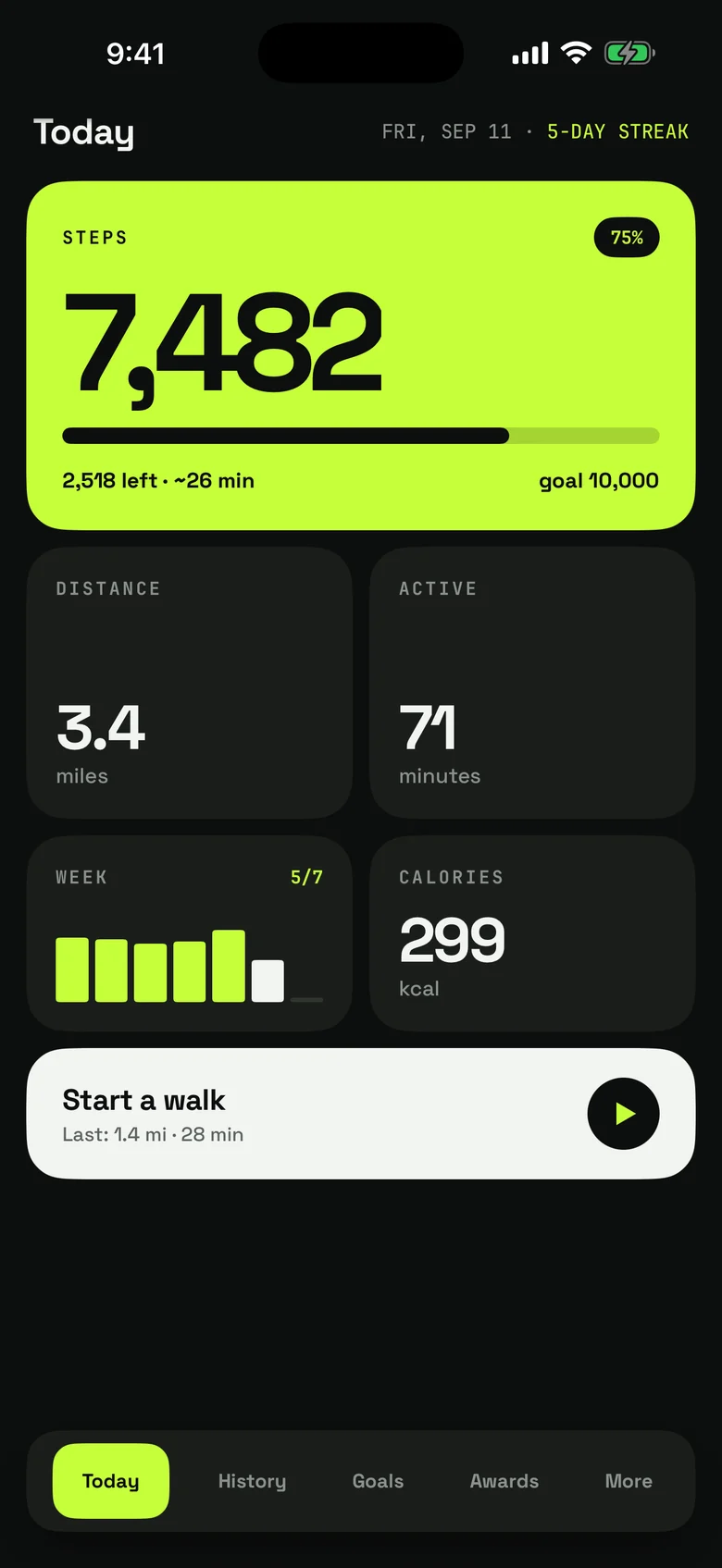
StepKit opens on today: your steps so far, how many are left to your goal and roughly how long that is on foot. The button at the bottom starts a walk. The first time, StepKit asks for your location. It uses it only while a walk you started is running, to draw the route. Say no and the walk still counts, just without a map. Steps you take without starting a walk are still counted for the day; they simply have no route.
Walk as usual
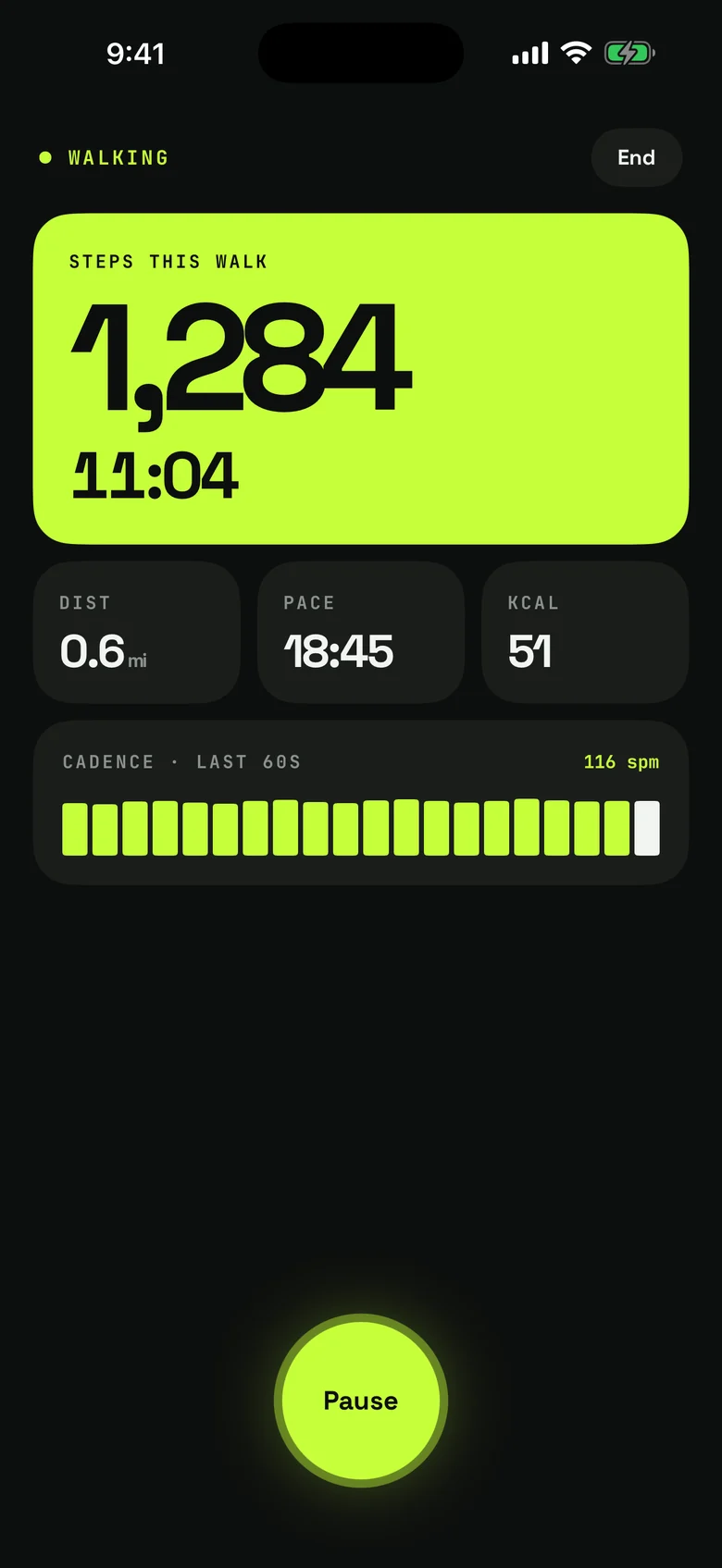
While the walk runs, the screen shows steps since you started, time, distance and pace. End the walk when you are back, and it is saved with its route.
Watch it again
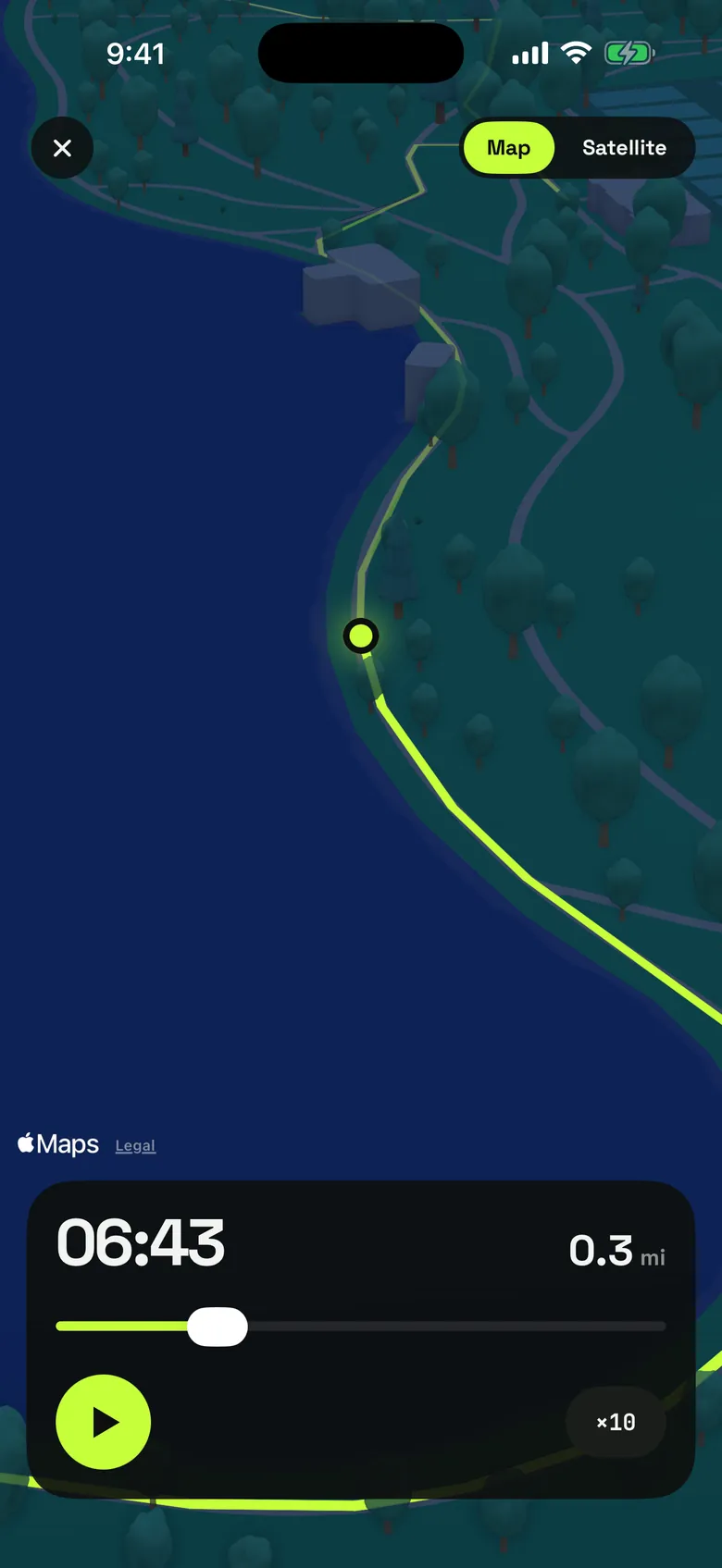
Open the walk afterwards and the route is on the map. Play it and StepKit flies along it in 3D, faster than you walked, from the first step to the last. It is the part people show each other. Routes stay on your iPhone; they are never uploaded, and there is no account. Recording the route and replaying it are part of the free app.

Get StepKit
StepKit is on the App Store for iPhone and Apple Watch. The product page has the full feature list, the FAQ and the privacy details.